
The Cyber Trust Family Internet Safety Project
Project Launch:
The Cyber Trust is proud to announce the launch of our Family Internet Monitoring Project

About the Project
Through the Family Internet Monitoring Project, The Cyber Trust supports parents in using monitoring tools to protect children from the risks of the online world.
The project brings together information about the best monitoring tools through step-by step set-up videos, how to manage online gaming and the best approaches to educate children on how to protect themselves online.


The University of Gloucester is the Cyber Trust’s partner in this project. They will be reaching out to families to explore the benefits and issues that arise from the implementation of monitoring tools in the family. They will explore the best family strategies to adopt when implementing monitoring tools and the impact. Here is the link to the survey the University team will use to engage with potential family participants:
What is Monitoring?
The idea of monitoring is to establish a shared view of a child’s online life. Parent and child can then build a trust-based approach to managing what a child can do online.
Monitoring allows parents to view what activity is taking place, manage access where required and receive alerts in real time based on a set of rules.
Through open discussion and building trust a child can make use of the wealth of valuable material online, develop their awareness of risk and share their experiences and concerns.
Why Monitor?
Mobile technology is designed to be attractive to users, add games and communications and the devices becomes almost an extension of our lives. Most adults can be seen either using a mobile device, holding them or have then readily to hand. The same is true of many children.
The technology is also attractive to children and research by organisations such as OFCOM show that there are high levels of use by children as young as five years old.
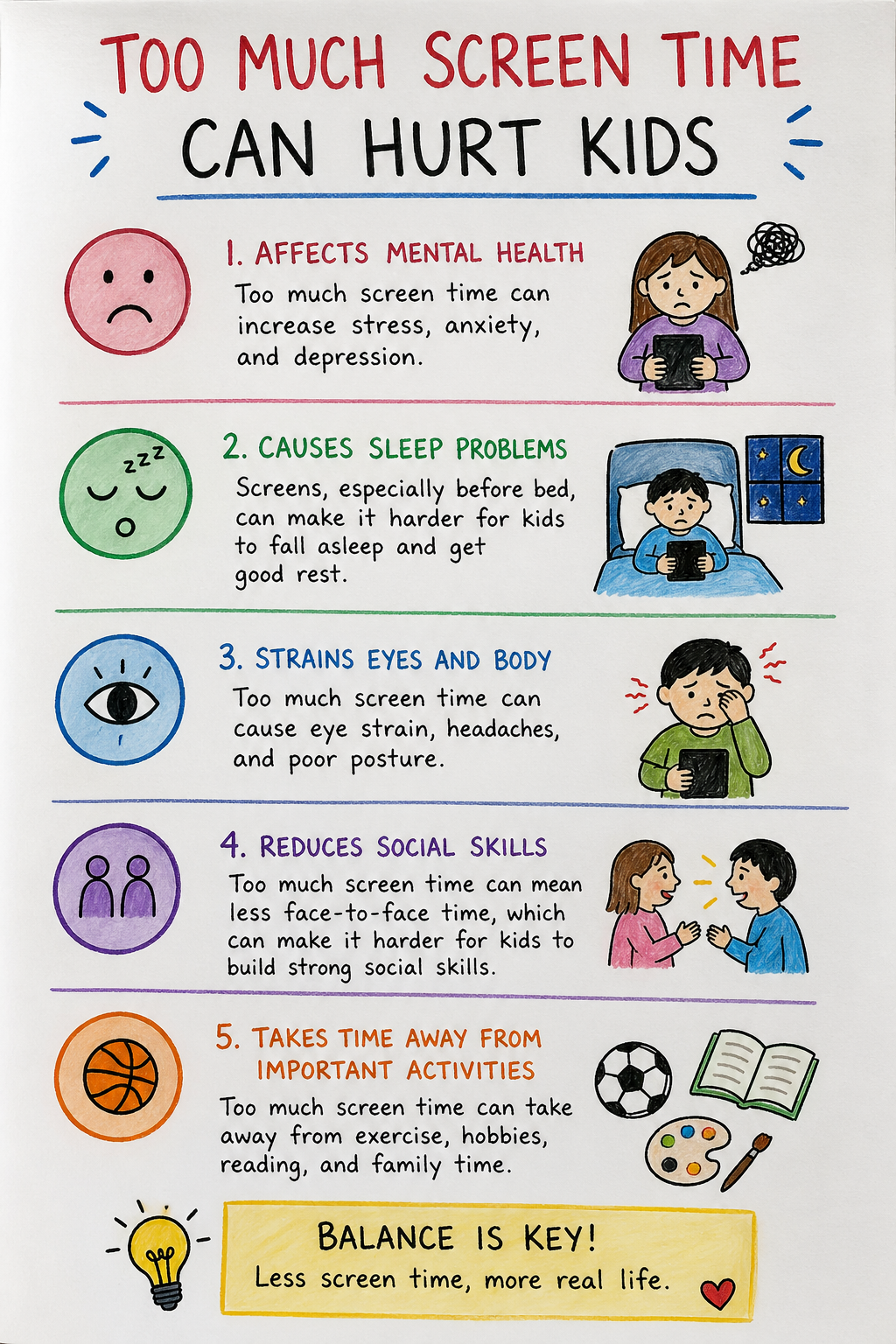
Unmanaged access by children can lead to changes in behaviour due to excessive screen time, access to unmanaged content or making them vulnerable to bullying or manipulation
Monitoring Mobile Devices – Step by Step Video Guides
We have developed a step by step video for some of the monitoring products available in the UK, available on our Video Page
Monitoring Online Gaming – Official Product Videos
There is no single tool for manging all games as each major supplier has their own bespoke parental management tools. This means families with multiple games devices will need to set up any controls for each device. The following set-up videos are provided by the suppliers of the different products:




Related Cyberland CyberGamesUK and Activities
We have also created new content and highlighted other activities that are relevant to Family Internet Safety on our cybergamesuk.com platform, accessible through Cyberland (which will preserve your history and provides for easier navigation between activities) or some directly via the all-games menu or the links below. All the activities are relevant, but of particular relevance are:
- House 2: Texting Simulator (WhatsApp, Snapchat etc style)
- Phone Shop: Quiz about the Online Safety Act
- Police Station: Desk Sergeant
- Courtroom: Court in the Act
- School: Malware I, Malware II, Ports, Astute Explorer
- Café: Rogue WiFi
- Flower Shop: Phishing
- Large Office: Office Records
Contact Us
Our general contact form is here: https://www.thecybertrust.org/contact-us/ or to make a donation, here is our link:
